Solutions by Avant Leap
From BIM Model To Construction Timeline
Would you like to achieve great results in seconds?
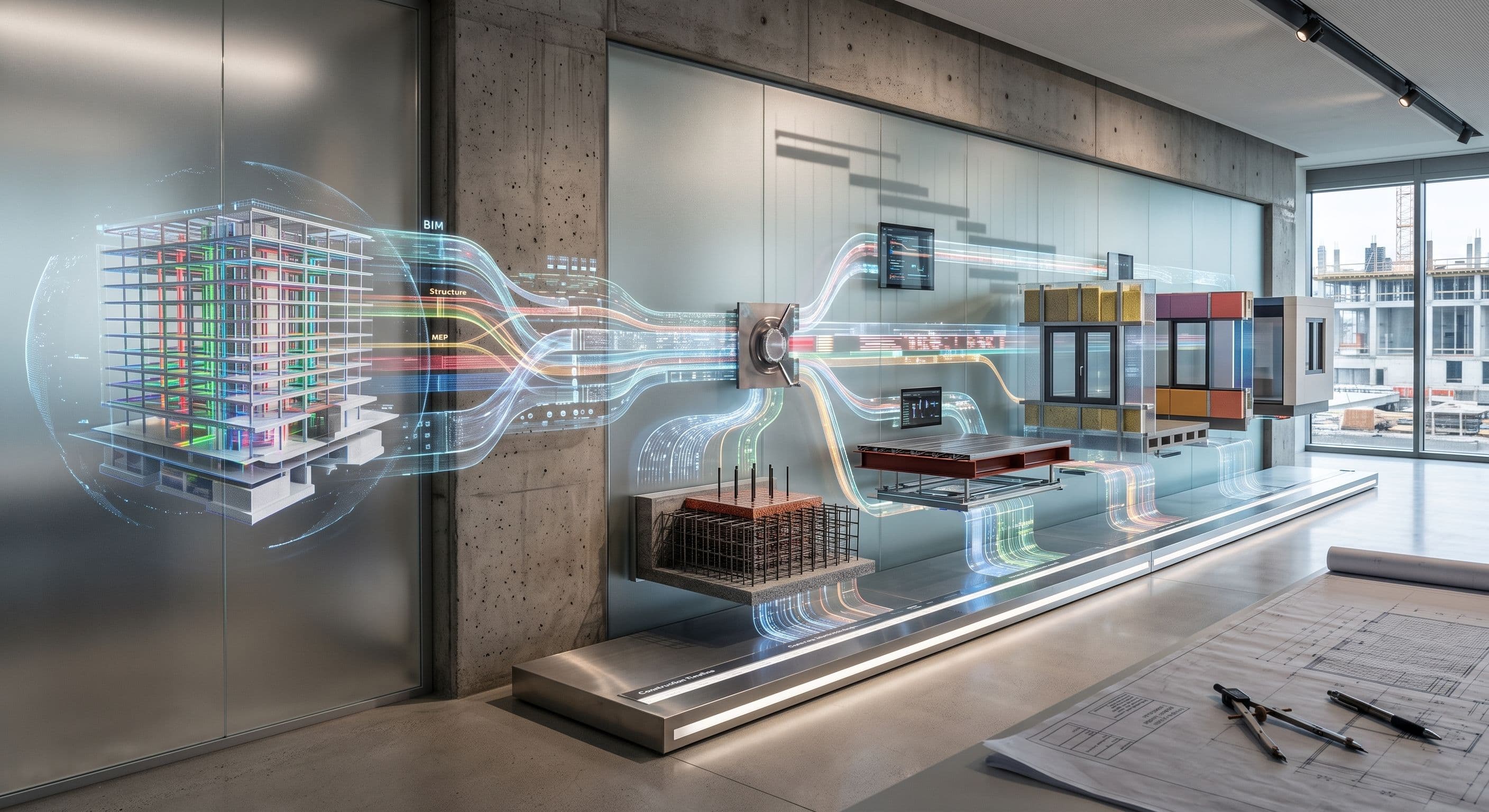
Using our own Sequenza tool, we automate the entire BIM-to-simulation pipeline.
We turn your Revit model into a fully sequenced 4D simulation, Navisworks-ready, 3ds Max-ready, and stakeholder-ready.
What We Deliver
Everything your enterprise needs in one place
Navisworks TimeLiner Setup
We extract and organize construction task data from your Revit model and import it into Navisworks TimeLiner, creating a complete, level-by-level simulation ready for review.
3ds Max Construction Animation
We produce frame-by-frame construction sequence animations in 3ds Max, communicating build order visually to clients, investors, and project stakeholders.
BIM-to-Schedule Data Export
We extract element-level schedule data from Revit models and format it as structured CSV exports, bridging the gap between your BIM model and project scheduling tools.
Project Phasing Visualization
We create phased construction views for tender presentations and client reviews. showing exactly how and when each part of the project will be built.
Capabilities
How It Works
Our simple 4-step process
Model Assessment
We review your Revit model structure, checking element organization by level, category coverage, and data completeness for simulation readiness.
Configuration & Export
We configure project start dates, working schedule, and sequencing method, then run Sequenza to extract and export the full simulation dataset.
TimeLiner / Animation Setup
We import the exported data into Navisworks TimeLiner or 3ds Max, building the full 4D simulation with correct task-to-element linkages.
Review & Delivery
We deliver the simulation files, walkthrough video (if requested), and source CSVs, along with a brief review session to walk your team through the output.
Powered By Sequenza Simplify
Our in-house 4D simulation tool, built for Revit 2019–2026.
Visualize Your Build Sequence
From Revit model to animated construction timeline, we handle the full pipeline.
Get Started